The Ultimate Guide to YouTube Data Extraction: Why the YouTube Search Scraper is Your Secret Weapon
In the digital age, data is the new oil, and YouTube is one of the richest wells. With over 2.5 billion monthly active users and 500 hours of content uploaded every minute, YouTube is a goldmine for marketers, researchers, developers, and businesses. However, extracting this data at scale has traditionally been a choice between two evils: expensive official APIs with restrictive quotas or brittle browser-based scrapers that break every time YouTube changes its UI.
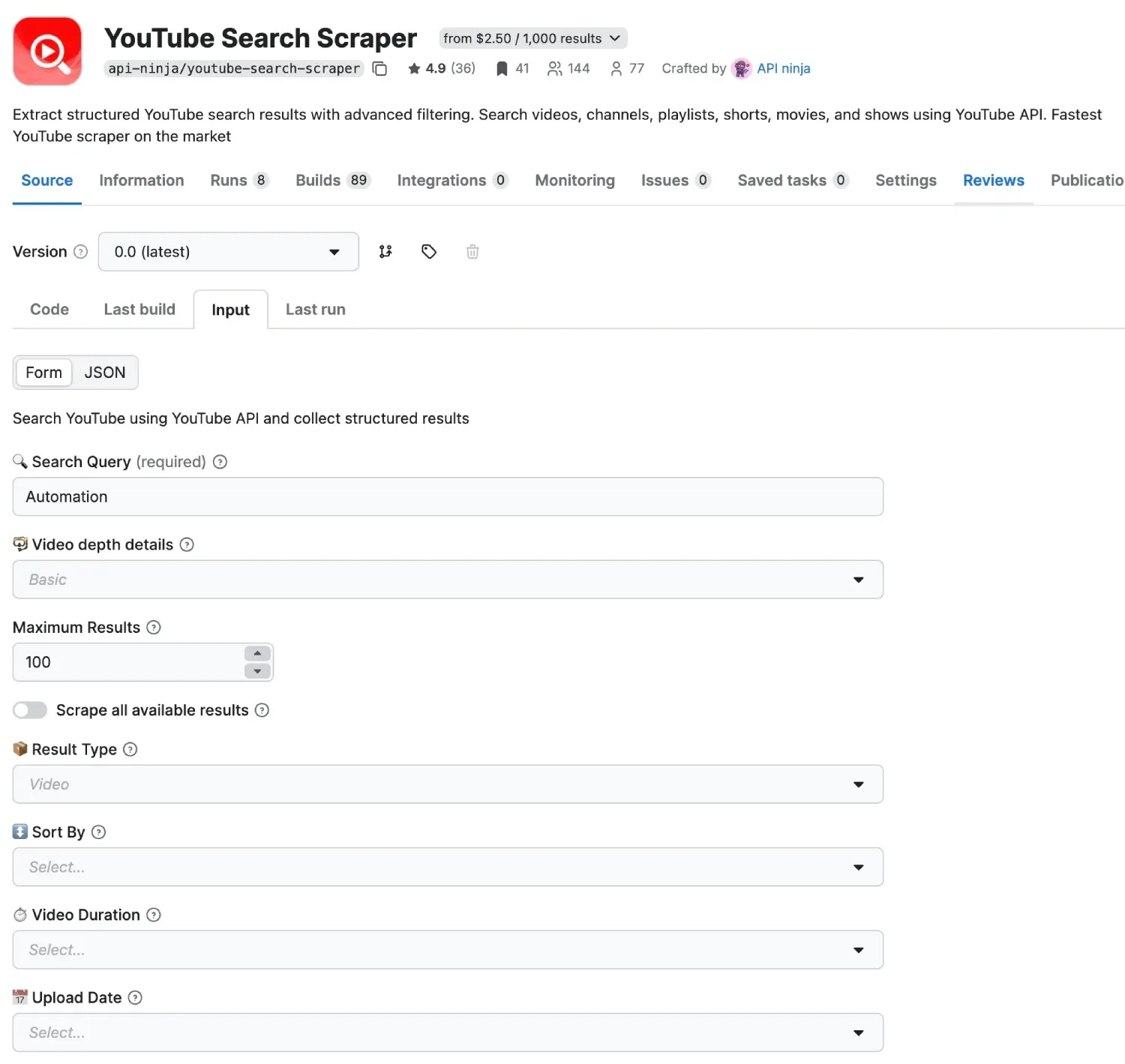
Enter the YouTube Search Scraper by API-Ninja. This Apify Actor bridges the gap, providing a high-performance, API-driven solution that is both reliable and cost-effective.
If your workflow also needs media capture after discovery, pair this with our guide to the YouTube Video Downloader API. If you only need the spoken text from a video, the YouTube transcript extractor is the more direct path. For the bigger picture across these scraping tools, see the Apify API Actors project.
In this article, we’ll explore why this specific actor is superior to other tools on the market, how it can transform your data strategy, and a step-by-step guide to getting started.
Why Use a YouTube Search Scraper?
Before diving into the technical details, let’s look at the “why.” Why do you need to scrape YouTube search results?
- Market Research: Analyze what competitors are posting and what’s trending in your niche.
- Influencer Discovery: Find the right creators for your brand by searching for specific keywords and filtering by subscriber count or engagement.
- Content Strategy: Identify “content gaps” by seeing which topics have high view counts but low video counts.
- Sentiment Analysis: Pair search results with a YouTube Comments Scraper to understand public opinion on specific topics or products.
- SEO Optimization: Track how videos rank for specific keywords over time.
What Makes the API-Ninja YouTube Search Scraper Superior?
If you search the Apify Store, you’ll find several YouTube scrapers. However, the YouTube Search Scraper stands out for several key reasons:
1. API-First Architecture (No Browsers!)
Most scrapers use “headless browsers” (like Puppeteer or Playwright) to mimic a real user clicking through YouTube. While effective, this is extremely “heavy.” Browsers consume massive amounts of RAM and CPU, which translates to higher costs on the Apify platform.
The API-Ninja scraper uses a direct API wrapper. It communicates with backend data sources directly, making it:
- Blazingly Fast: Results are returned in seconds, not minutes.
- Ultra-Cheap: It uses significantly fewer Compute Units (CUs), allowing you to scrape 10x more data for the same price.
- Highly Reliable: Since it doesn’t rely on the YouTube UI, it won’t break when YouTube changes a button’s color or a div’s class name.
2. Deep Filtering Capabilities
Most basic scrapers only allow you to enter a keyword. The YouTube Search Scraper gives you the same granular control as the YouTube interface itself—and then some. You can filter by:
- Result Type: Videos, Channels, Playlists, Shorts, Movies, or Shows.
- Upload Date: Find content from the last hour, today, this week, month, or year.
- Duration: Filter for short snippets (< 4 mins) or long-form documentaries (> 20 mins).
- Features: Need only 4K videos? Or videos with Creative Commons licenses? Live streams? Subtitles? You can toggle these with a single click.
3. Global Reach with Localized Results
YouTube shows different results based on where you are. This actor allows you to specify a Country (GEO) and Language (Lang) code. Whether you’re researching trends in Tokyo or tracking rankings in New York, you get the exact data a local user would see.
4. Seamless Pagination
Manual scraping usually stops after the first page. This actor handles cursor-based pagination automatically. If you want 1,000 results, it will quietly handle the “continuation tokens” in the background and present you with a clean, unified dataset.
How to Use the YouTube Search Scraper: A Step-by-Step Guide
Getting started is easy, even if you aren’t a developer.
Step 1: Sign up on Apify
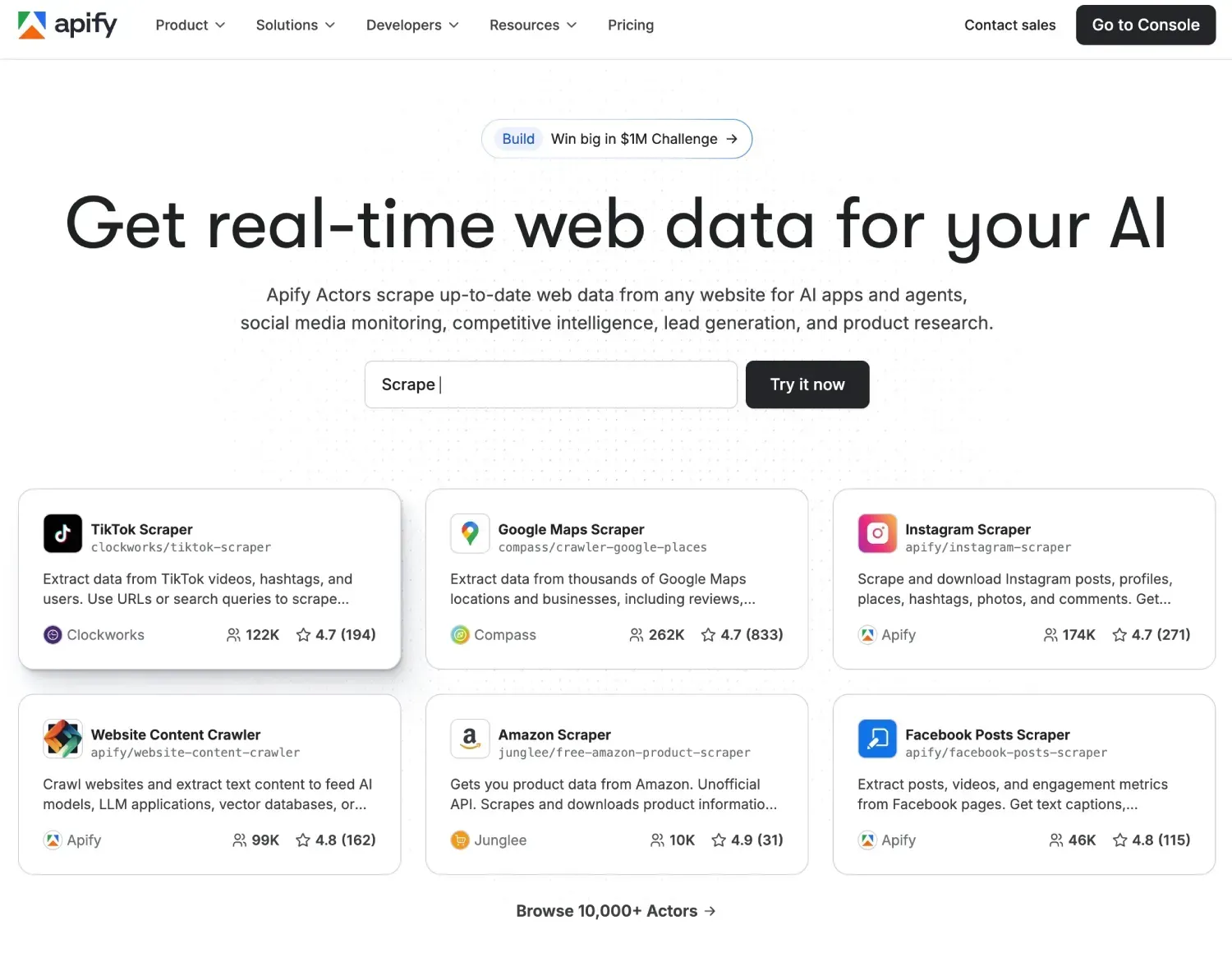
First, you’ll need an Apify account. You can sign up and check their flexible pricing plans here.
Step 2: Access the Actor
Navigate to the YouTube Search Scraper in the Apify Store.
Step 3: Configure Your Input
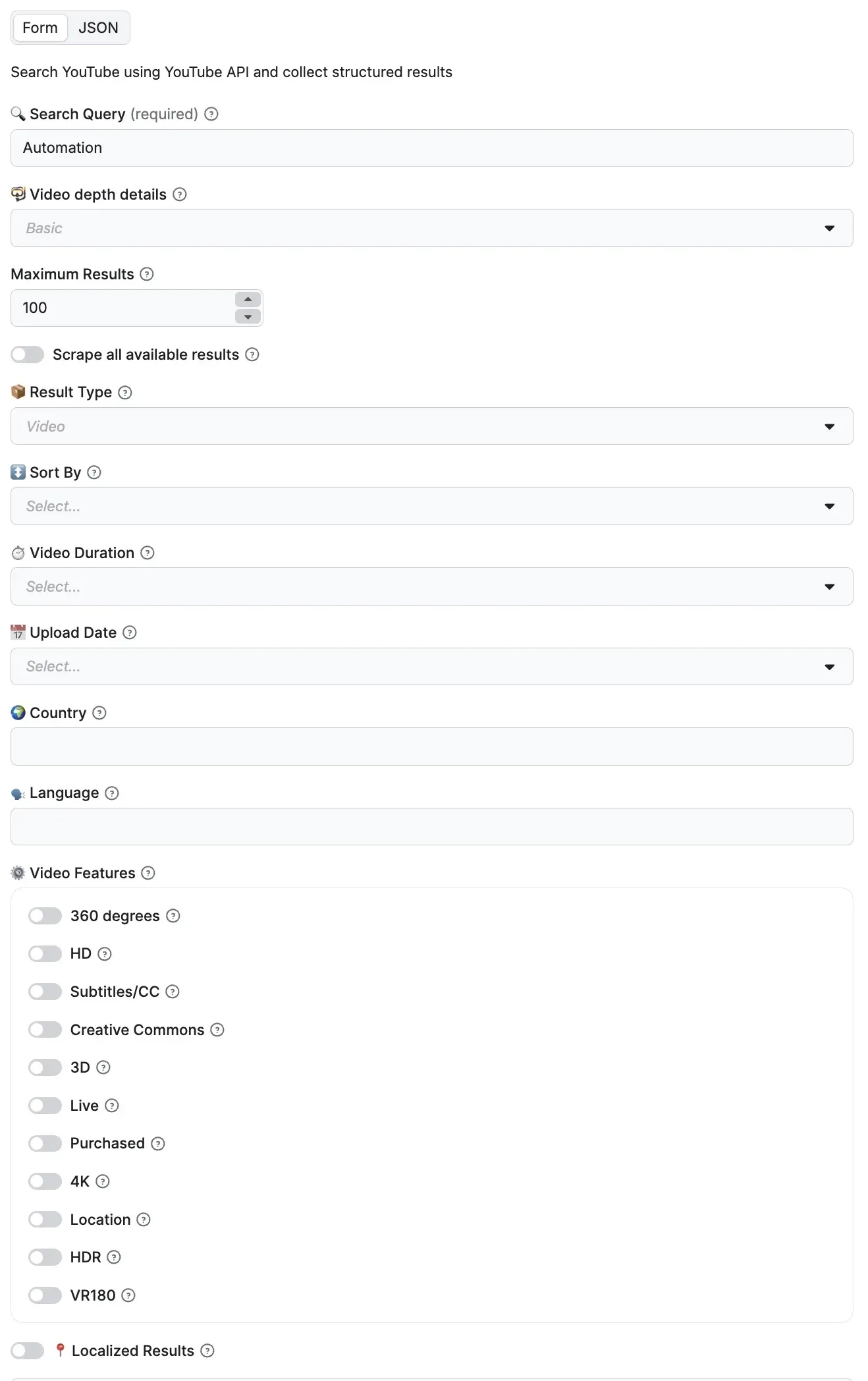
The user interface is designed to be intuitive. Here are the primary fields:
- Search Query: The keywords you want to search for (e.g., “AI automation tutorials”).
- Max Results: How many items do you want? (Default is 100, but you can go much higher).
- Result Type: Choose if you want videos, shorts, or channels.
- Sort By: Choose between Relevance, View Count, Rating, or Upload Date.
Step 4: Run and Download
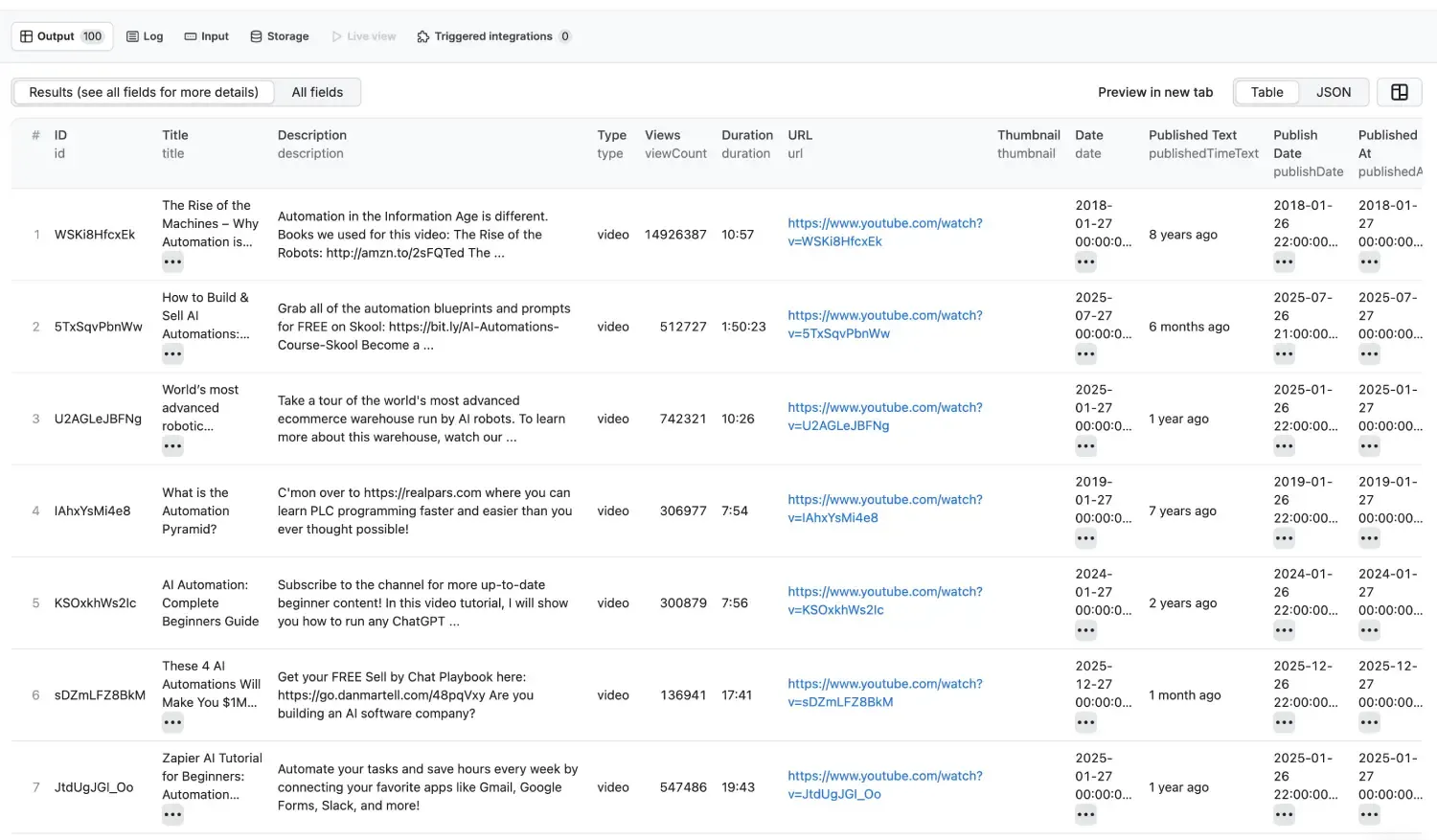
Click the “Start” button. The actor will begin fetching data. Once finished, you can export your results in:
- JSON: Ideal for developers.
- CSV/Excel: Perfect for marketers and data analysts.
- HTML/XML: For specific web integrations.
Taking it Further: The “API-Ninja” Ecosystem
Search results are just the beginning. If you find a list of trending videos and want to know what people are actually saying, you should cross-reference your findings with the YouTube Comments Scraper.
If you need the actual video or audio files after discovery, the next step is Mastering YouTube Automation: The Ultimate Guide to the YouTube Video Downloader API.
If you need transcript text for summaries, notes, or RAG ingestion, use the MintAPI YouTube transcript extractor instead of downloading the full media asset.
By combining these two tools, you can build a powerful automation pipeline:
- Search Scraper: Identify the top 50 videos for the keyword “Bitcoin.”
- Comments Scraper: Extract the last 500 comments from each of those videos.
- AI Analysis: Run those comments through an LLM (like GPT-4) to perform sentiment analysis or identify common customer pain points.
This workflow provides a level of market intelligence that was previously only available to enterprise companies with massive R&D budgets.
Use Case: Finding the Perfect Influencer
Imagine you are launching a new fitness app. You could:
- Set the Query to “Home Workout.”
- Set the Type to “Channel.”
- Filter by Country “US.”
- Sort by Relevance.
Within seconds, you have a list of the most relevant channels, complete with their URLs and descriptions. You can then use the YouTube Search Scraper again with the type: “video” and sortBy: “views” to see which of their recent videos performed best.
Conclusion: Data-Driven Decisions Start Here
The difference between a successful campaign and a failed one often comes down to the quality of your data. Using the official YouTube Data API can be a nightmare of “quota exceeded” errors, and manual scraping is a waste of your most valuable resource: time.
The YouTube Search Scraper by API-Ninja offers a professional-grade, scalable, and affordable way to get the data you need.
For teams comparing actor-based discovery with request-based agent tooling, The Perfect Backend for AI Agents is the closest internal contrast.
Ready to start your data journey? Check out Apify’s pricing and start running your first actor today. Whether you’re a solo creator or a large-scale agency, the insights you’ll find are just a few clicks away.
Frequently Asked Questions
Why use this YouTube scraper instead of the official API?
It helps avoid strict quota constraints and provides a simpler path to large-scale search result extraction.
Can I localize results by country and language?
Yes. The actor supports GEO and language settings so you can collect market-specific result sets.
Can I export data for analytics pipelines?
Yes. Results can be exported as JSON, CSV, and other formats for analysis and automation.
~Max Dziura