Mastering YouTube Automation: The Ultimate Guide to the YouTube Video Downloader API
Unlock the Power of Video Content Automation
In the digital age, video content is the undisputed king of media. Whether you are a data scientist analyzing viral trends, a content creator referencing cultural moments, or a digital archivist preserving history, the need to access and store video files programmatically is growing exponentially. However, manual downloading is slow, inefficient, and impossible to scale.
Enter the YouTube Video Downloader on Apify. This powerful automation tool transforms how you interact with video content, allowing you to bulk download videos, extract audio, and capture rich metadata with the precision of an API. In this guide, we will explore how this tool can streamline your workflows, helping you focus on analyzing content rather than struggling to acquire it.
If your workflow starts with discovery instead of downloads, use our guide to YouTube data extraction first. If your output should be text rather than media files, use the YouTube transcript extractor. For the wider catalog of related actors, see the Apify API Actors project.
Overview: What is the YouTube Video Downloader API?
The YouTube Video Downloader by API Ninja is a specialized automation actor designed to fetch video and audio files from YouTube efficiently. Unlike simple browser extensions that work one click at a time, this actor is built for scale and integration. It lives on the Apify platform, a cloud-based environment where web scrapers and automation tools (called “actors”) run without requiring you to manage your own servers.
This tool acts as a standalone API. You send it a list of URLs, single videos, playlists, or channels, and it returns the direct download links along with comprehensive metadata. It bridges the gap between raw web content and your local storage or database, enabling automated pipelines that can process thousands of videos without human intervention.
Killing Features
Why choose this specific actor over the myriad of other online converters? The difference lies in its professional-grade capabilities designed for developers and power users.
1. High-Fidelity Downloads
Quality matters. The YouTube Video Downloader supports various resolutions, ensuring that if a video was uploaded in 4K or 1080p, you can retrieve it in that quality. It handles complex streaming protocols behind the scenes to deliver a clean MP4 file.
2. Smart Metadata Extraction
Downloading the file is often just half the battle. For data analysis, you need context. This actor extracts vital metadata along with the media, including:
- Video Title & Description: Essential for NLP and keyword analysis.
- View Counts & Likes: Critical metrics for gauging engagement.
- Upload Date & Duration: Useful for time-series analysis.
- Thumbnail URLs: Great for building visual dashboards.
3. Audio Extraction Support
Sometimes you only need the sound. Whether you are training speech-to-text models or monitoring brand mentions in podcasts, this tool allows you to extract high-quality audio formats (like MP3) directly, saving bandwidth and storage space.
4. Playlist and Bulk Processing
This is where the automation truly shines. Instead of feeding URLs one by one, you can target entire playlists or channels. The actor iterates through the list, queuing up downloads automatically. This feature pairs perfectly with the YouTube Search Scraper, which you can use to discover target videos based on keywords before feeding them into the downloader.
We cover that discovery step in The Ultimate Guide to YouTube Data Extraction.
The Apify Platform: A Robust Foundation
To understand why this tool is so effective, it helps to understand the platform automating it. Apify is a serverless cloud computing platform built for web scraping and browser automation.
When you run the YouTube Video Downloader, you are not using your own computer’s bandwidth or CPU. You are utilizing Apify’s scalable cloud infrastructure. This ensures that your IP address remains protected (thanks to built-in proxies) and your local machine is not bogged down by heavy video processing tasks. It also means you can schedule tasks, for example, setting the downloader to run every Friday night to archive new content from your favorite channels.
Getting Started: Apify Sign Up
Before you can start downloading, you need access to the ecosystem. Setting up an account is frictionless.
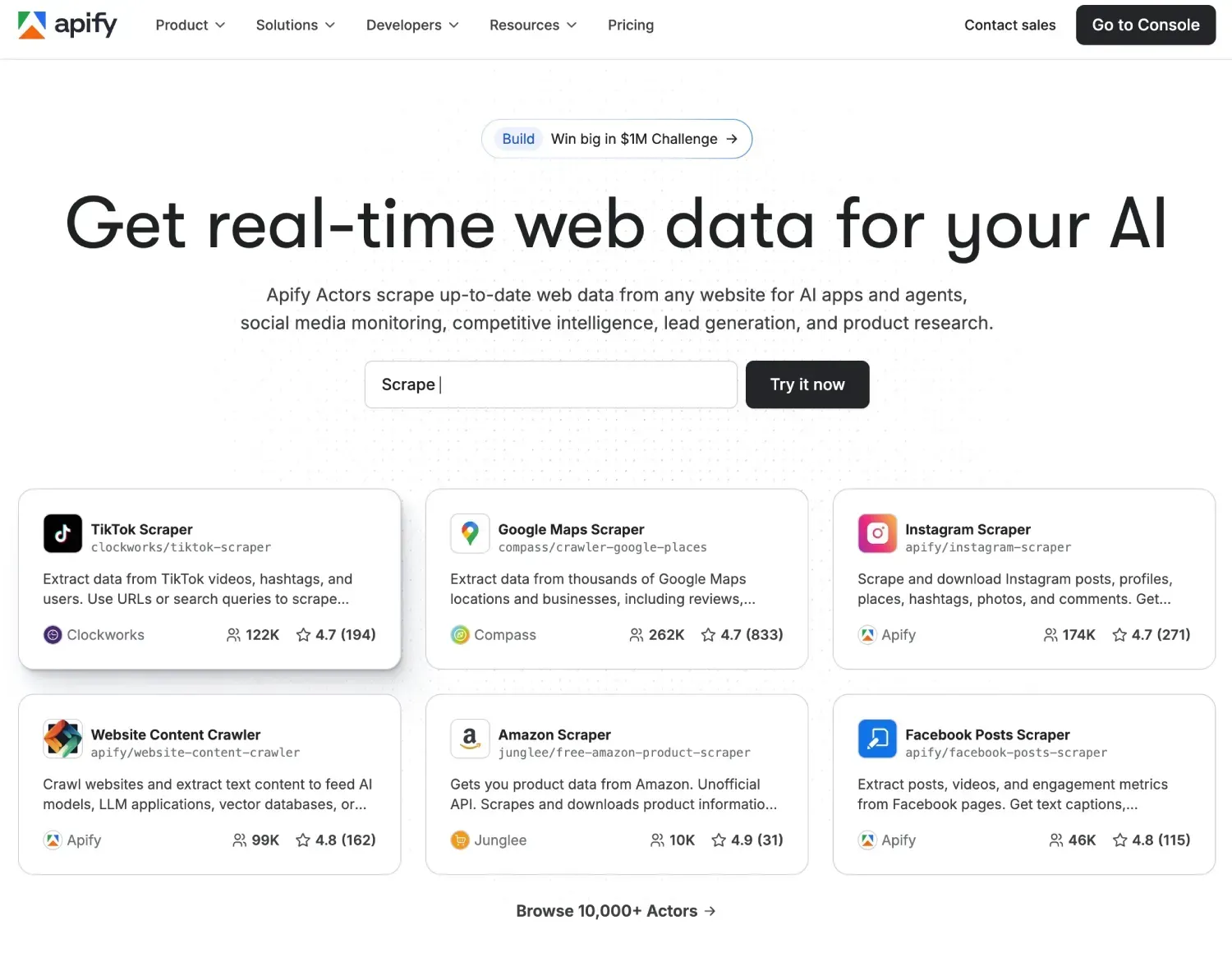
- Navigate to the Apify Console.
- Click on the “Sign Up” button. You can register using your email, GitHub, or Google account.
- Once registered, you get access to a free tier which includes a monthly credit allowance, perfect for testing the YouTube Video Downloader and understanding its capabilities without upfront cost.
How to Use the Actor: A Step-by-Step Guide
Using the YouTube Video Downloader is straightforward, whether you are a developer using JSON or a non-technical user utilizing the visual interface.
Step 1: Locate the Actor
Go to the Apify Store and search for the YouTube Video Downloader page. Click the “Try for free” button to open the actor in your console.
Step 2: Configure the Input
The actor requires specific inputs to know what to fetch. You will see an input tab where you can define:
- Start URLs: Paste the links to the YouTube videos, playlists, or channels you wish to download.
- Download Quality: Select your preferred resolution (e.g., Highest, 1080p, 720p).
- Format: Choose between Video+Audio or Audio Only.
Pro Tip: The input can also be provided as a JSON object if you are integrating this into a larger software pipeline.
{
  "startUrls": [
    {
      "url": "https://www.youtube.com/watch?v=dQw4w9WgXcQ"
    }
  ],
  "maxItems": 5,
  "quality": "highest"
}
Step 3: Run the Actor
Click the green Start button at the bottom of the screen. The actor will spin up a container in the cloud, navigate to the target URLs, process the video streams, and begin the download process. You can watch the real-time log to monitor progress.
Step 4: Download Your Data
Once the run is complete, the results are stored in a default dataset. You can view the metadata in formats like JSON, CSV, or Excel. Crucially, the dataset will contain direct links to the downloaded files (stored in Apify’s Key-Value store) or instructions on where the files were saved.
Building a Complete Video Analysis Pipeline
The true magic of automation happens when you connect different tools. The YouTube Video Downloader is often the final step in a research process.
Imagine you want to analyze sentiment around a specific tech product launch. You could structure your workflow like this:
- Discovery: Use the YouTube Search Scraper to find the top 50 videos matching the keyword “New Smartphone Review”.
- Sentiment Analysis: Feed those video URLs into the YouTube Comments Scraper to download thousands of viewer comments and analyze public opinion.
- Transcript Extraction: If you need searchable spoken content, use the MintAPI YouTube transcript extractor to turn video URLs into clean text and timestamped lines.
- Content Archiving: Finally, use the YouTube Video Downloader to archive the actual video files of the top 5 most critical reviews for legal storage or deep-learning video analysis.
This modular approach allows you to build sophisticated data products that go far beyond simple downloading.
Conclusion
The YouTube Video Downloader is more than just a utility; it is a gateway to programmatic content management. By leveraging the power of Apify’s cloud infrastructure, you can bypass the manual drudgery of saving files and move straight to building value with the content you retrieve.
Whether you are archiving educational material, analyzing media trends, or feeding data into machine learning models, this API provides the reliability, speed, and metadata richness you need to succeed. Sign up for Apify today, and start automating your video workflow.
If your use case is more agent-native than actor-native, The Perfect Backend for AI Agents is the most relevant internal comparison.
Frequently Asked Questions
Can I download videos, playlists, and channels in one workflow?
Yes. You can provide individual video URLs as well as playlist and channel links for bulk automation.
Can I extract audio only instead of full video files?
Yes. The actor supports audio-focused workflows when you do not need full video output.
Can this be integrated into larger analytics pipelines?
Yes. The actor accepts JSON input and returns structured output that fits data engineering and ML workflows.
~Max Dziura